
Placing a T-shirt Order
Hi there!
In this video, we will see how to place a t-shirt order. So let's get started.
Multiple print placements on the T-shirt
Qikink offers different placements for each product. You will be able to choose the desired placement from the dashboard while adding the design to the order.
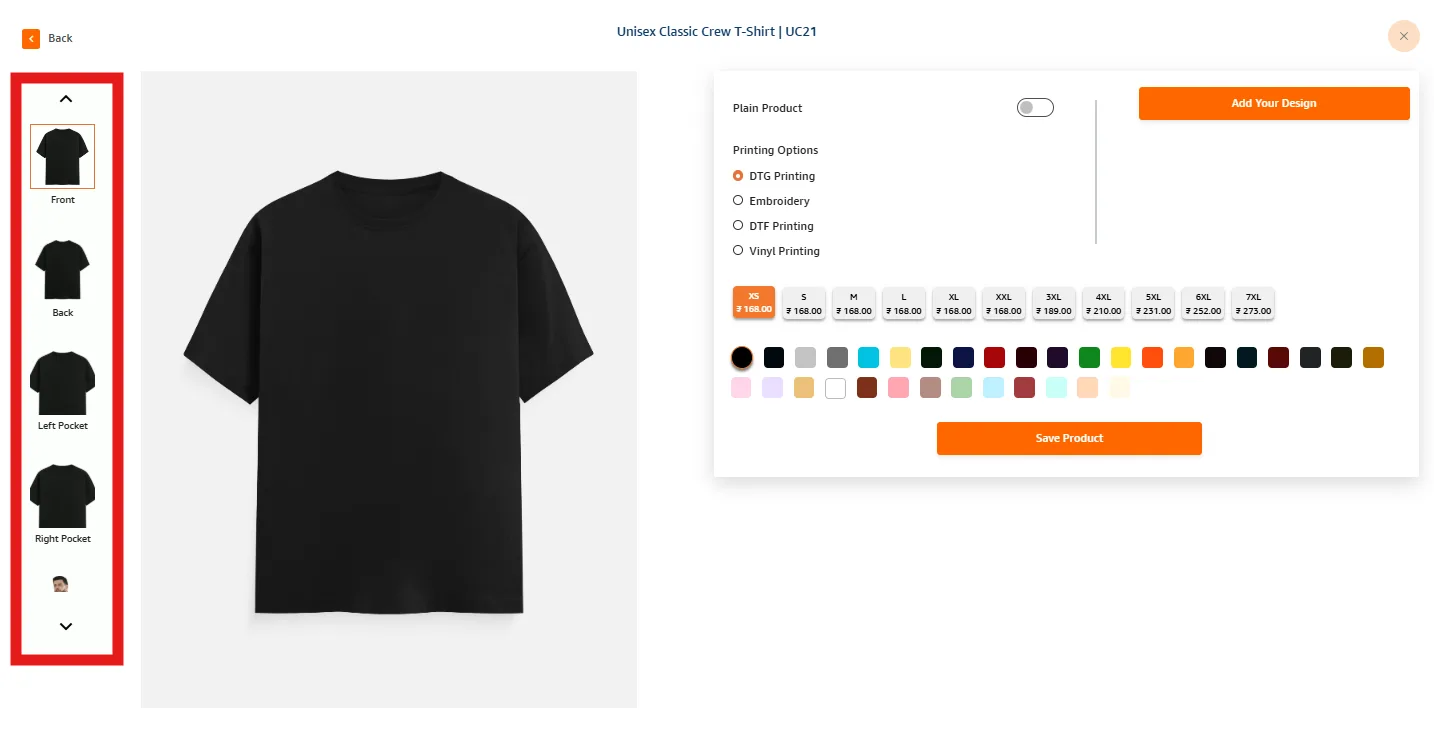
As highlighted in the above image, the placements available for each product will be listed in this column. You can choose the placement, add the design and place the order.
Placement will differ based on the product you choose. The Front, Back, Pockets and Sleeves are the placements for T-Shirts.
Alert
We have a certain set of placement procedures for each product and all the products will be printed as per our norms. The production team will not be referring to the mockup file for cotton apparel.