How to track an order?
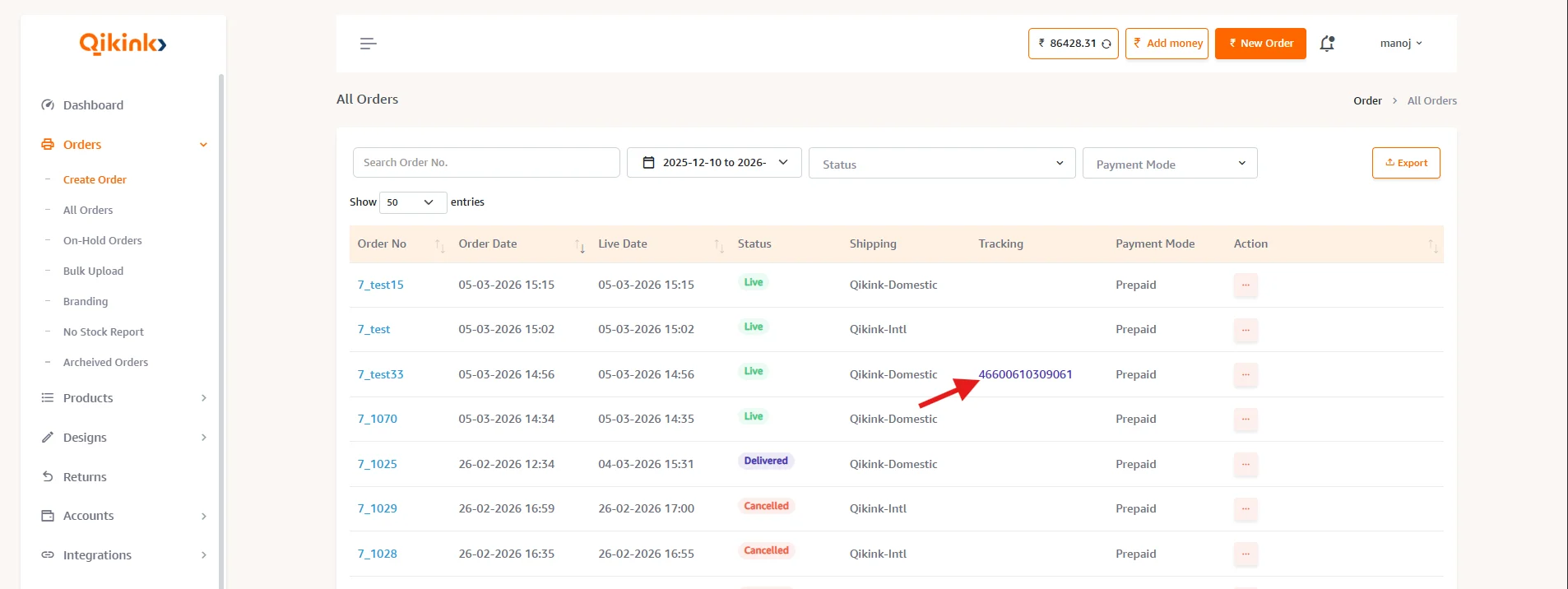
The tracking ID or Airway Bill (AWB) number is updated on the Qikink dashboard against all your orders.
- 1Login to your Qikink dashboard.
- 2Go to Orders > All Orders.
- 3You can click on the tracking ID to get the live information about your order transit.
- 4Shipping details like provider, status, and shipping mode will be given.
- 5Orders can be sorted by various shipping statuses.