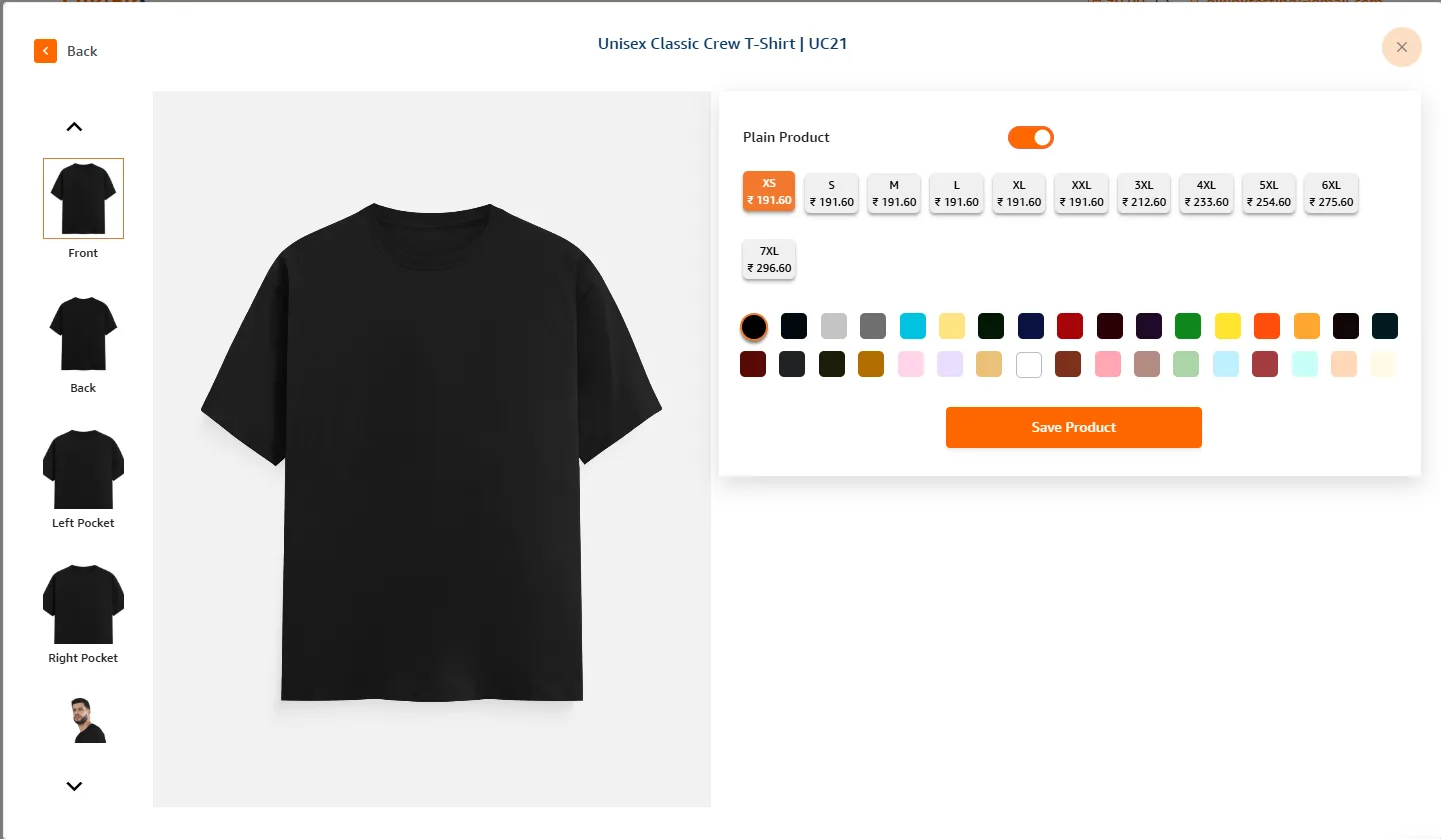
Place Plain T-Shirt Order
Place order from create order page.
- 1Login to your Qikink dashboard.
- 2Go to Orders > Create Order.
- 3Select Category and Product.
- 4Select the product size and color and enter the quantity.
- 5Enable the plain option on the top left.
- 6Click on Add to order.
- 7Add the order and shipping details.
- 8Click Save order to confirm the order.