
Integrating your Shopify store with Qikink
Pro Tip
You can integrate your Shopify store with Qikink once you sign up.
Connect With Shopify
You can connect your Shopify store with Qikink in a quick few steps. Here's how to do it:
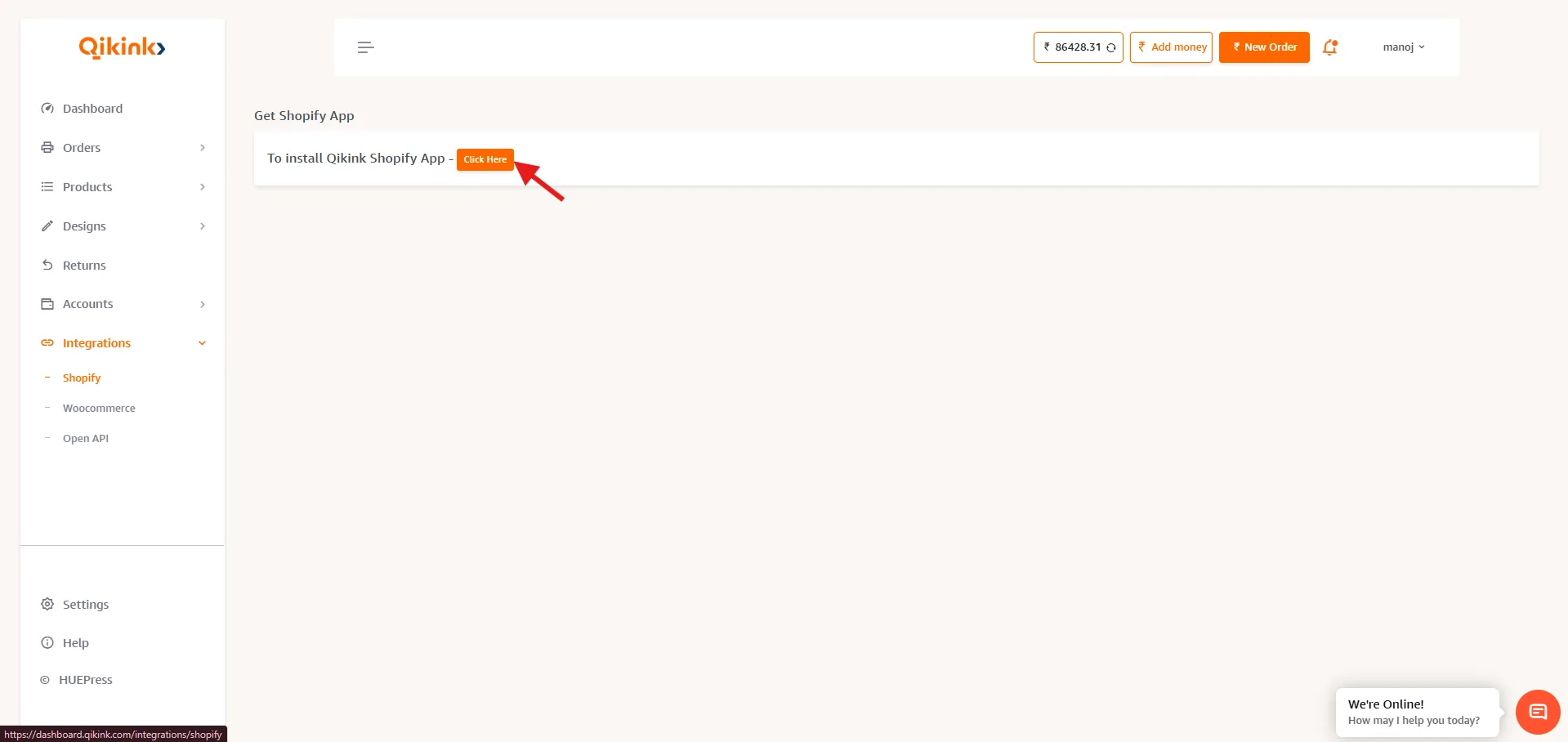
- 1Login with your seller dashboard and click Integrations > Shopify and click on "Click here"
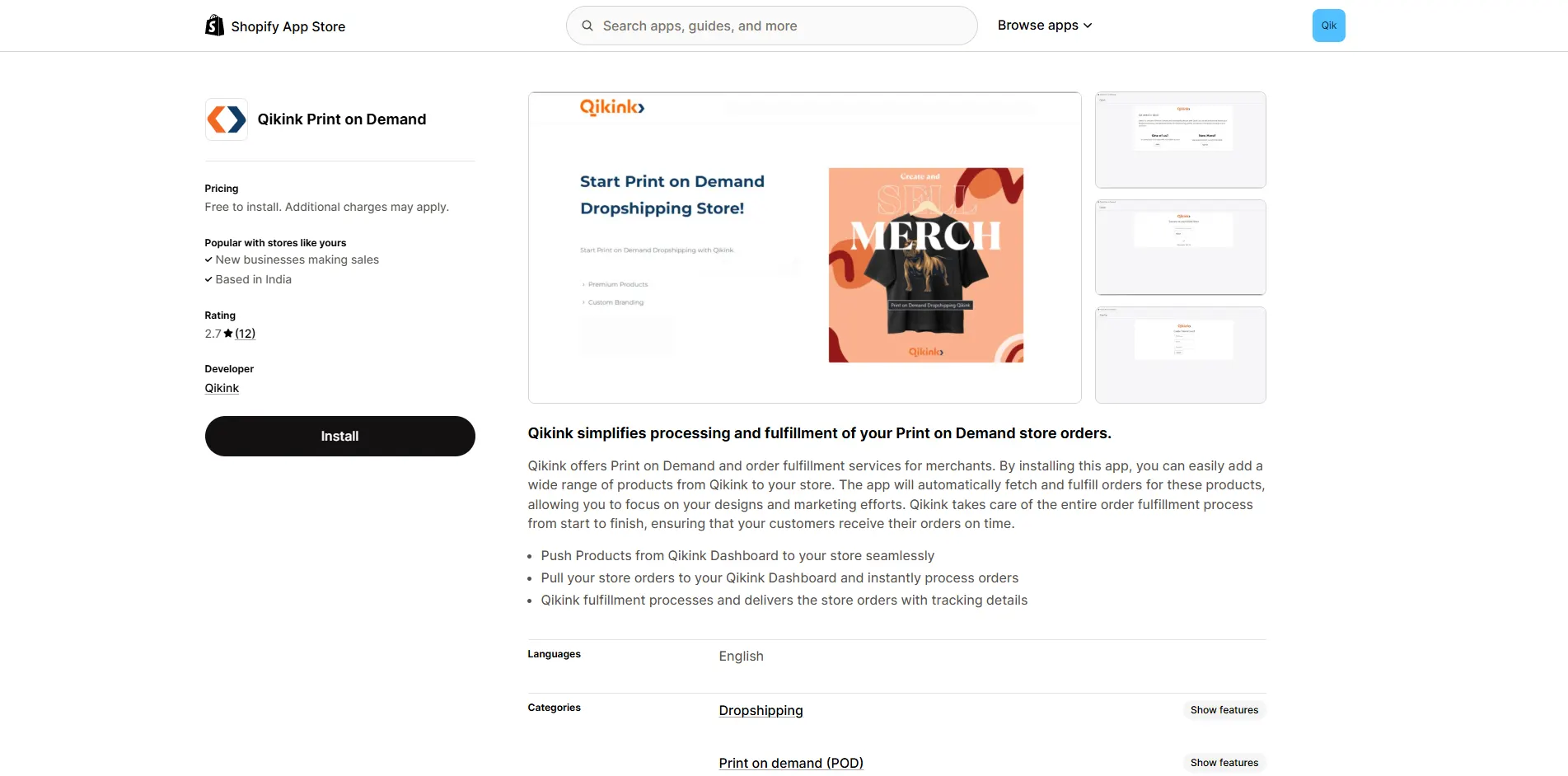
- 1Click Install to install the Qikink app
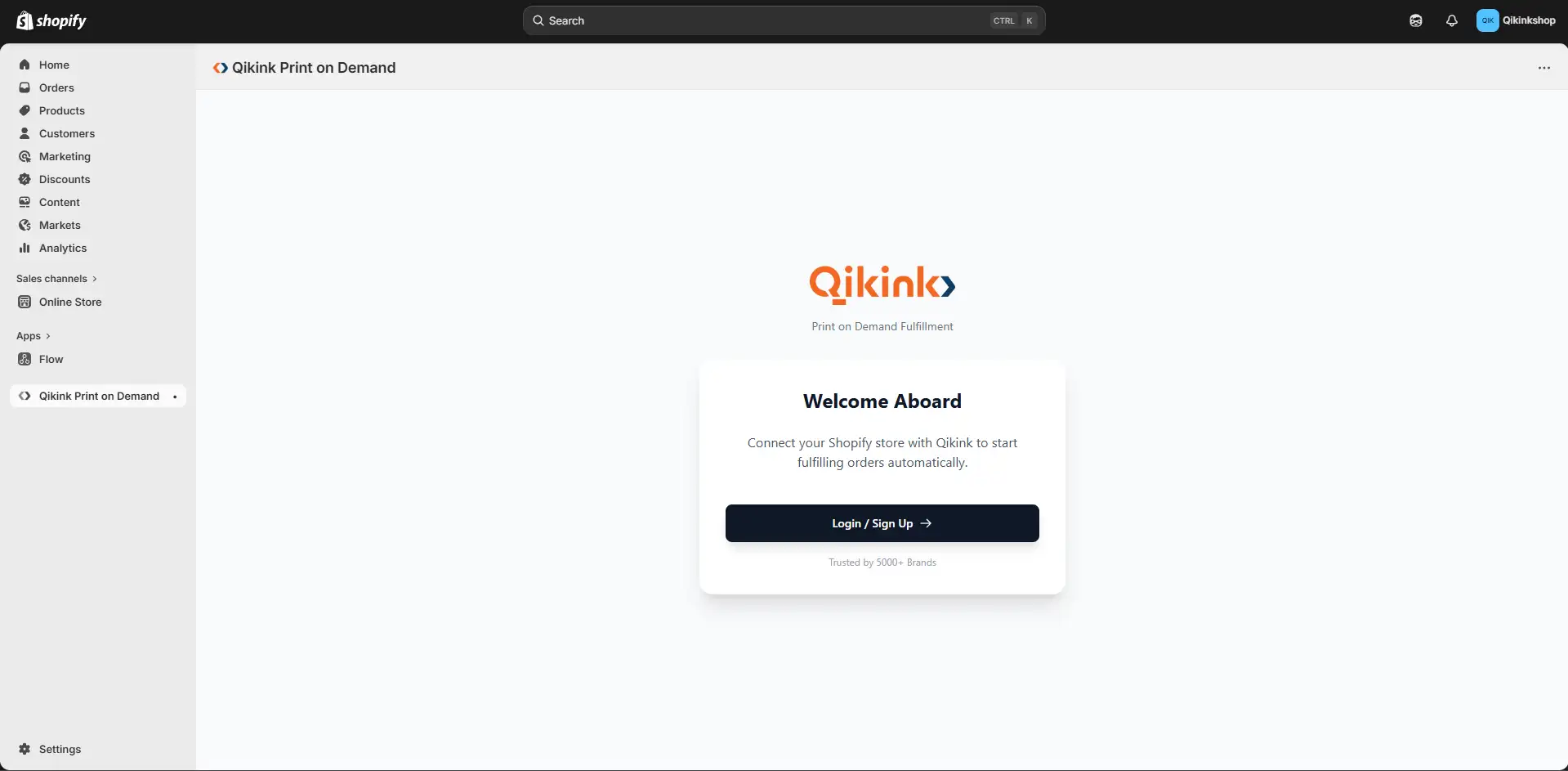
- 1After installing the app, enter your qikink username. You will get an OTP to your registered mail, enter that to integrate with Qikink
- 1Your Shopify account is successfully integrated with our Qikink App
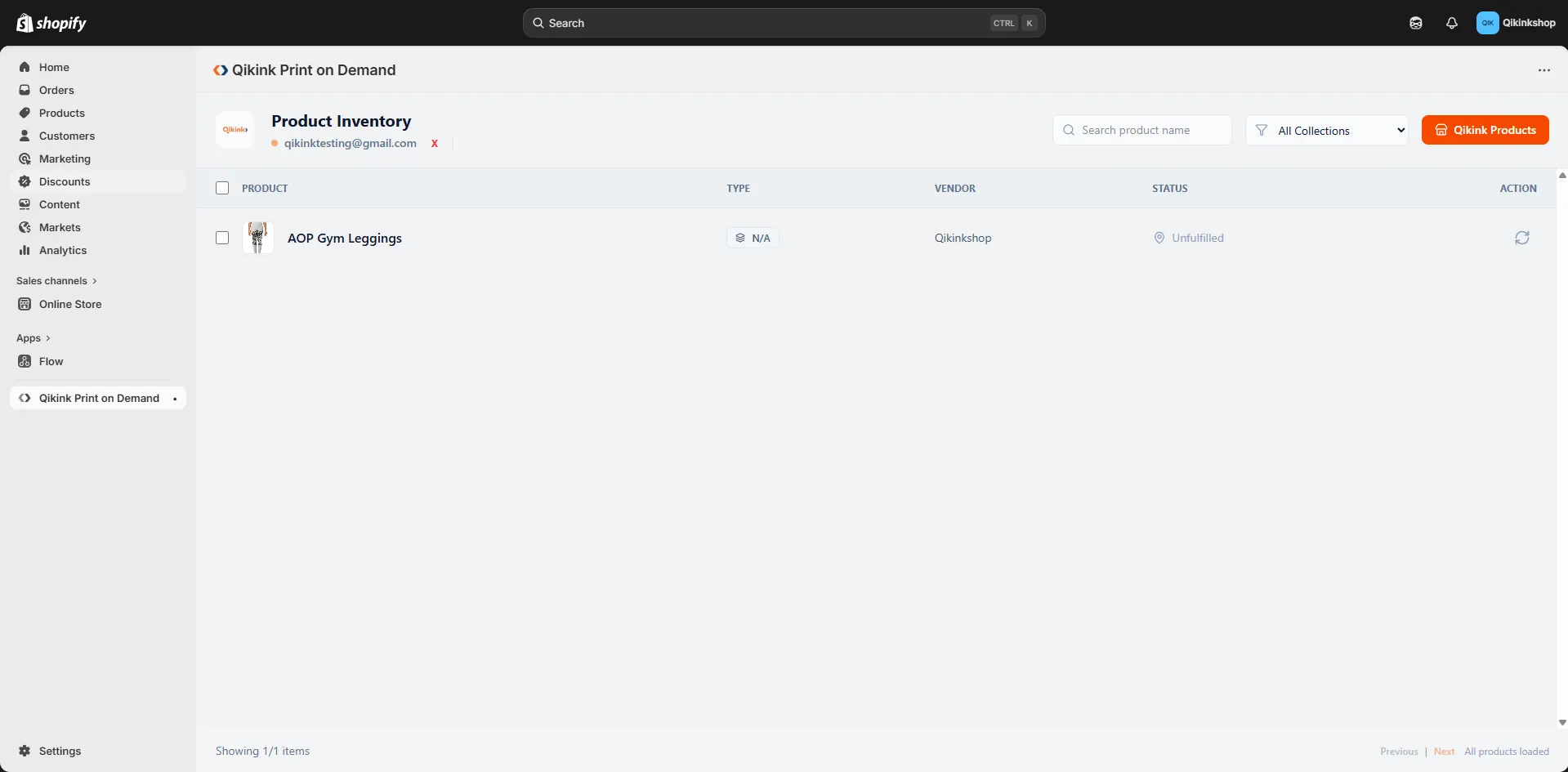
- 1You can verify the integration by going back to your Qikink dashboard, refresh the Integration > Shopify page, and you will get a message like below
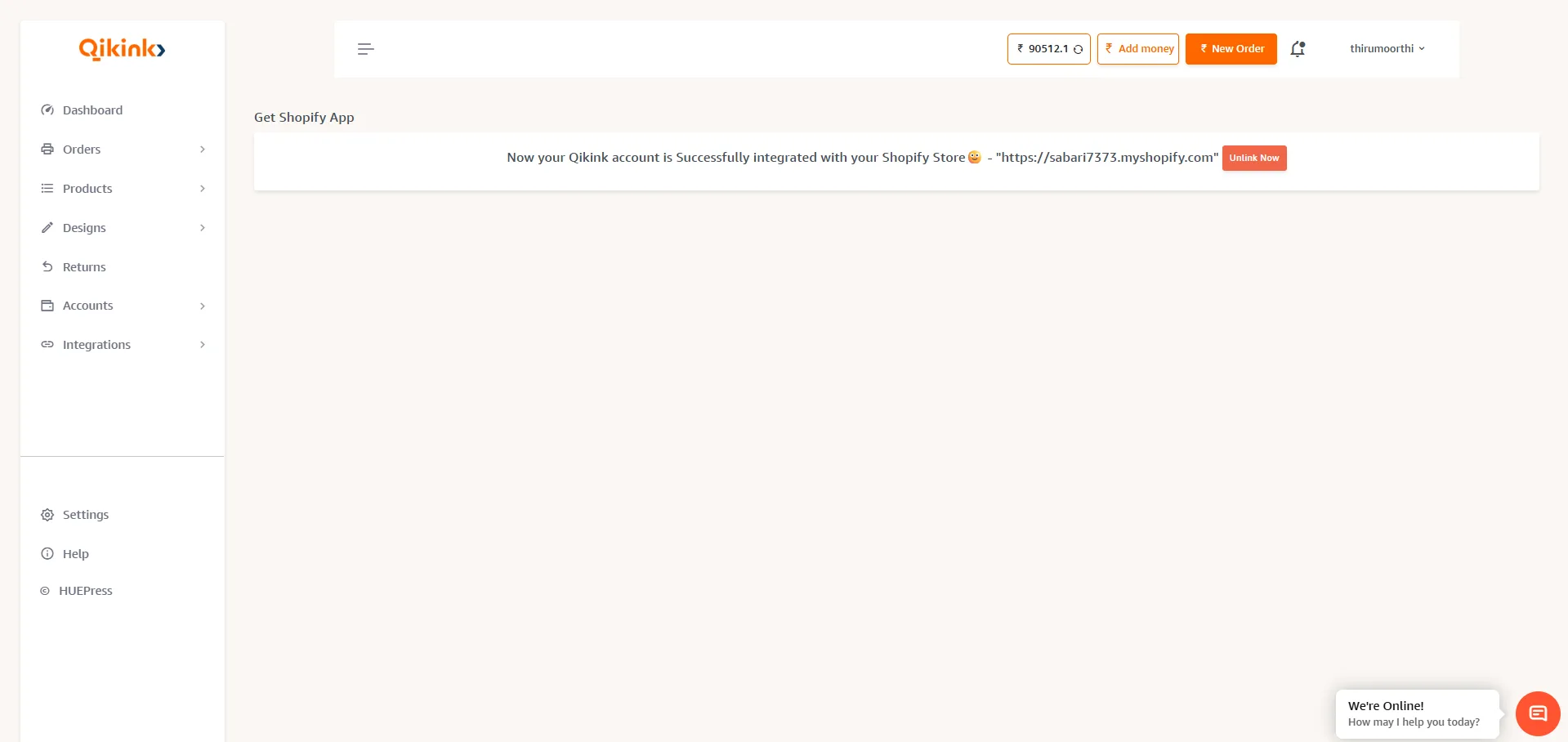
Your store is successfully integrated with Qikink.
Frequently Asked Questions
Yes. You need to install the Qikink app from the Shopify App Store and connect it with your Qikink account to start syncing products and orders.
No. After integration, orders from your Shopify store are automatically imported into Qikink, so you do not need to place them manually.
Yes. You can create products in your Qikink dashboard and use the Push to Store option to publish them directly to your Shopify store.
Yes. All available variants such as sizes and colors will be synced when the product is pushed to your Shopify store.
Yes. Once an order is shipped, the tracking information will automatically be updated in your Shopify order details.
Once you receive an order, you can see it in your seller dashboard. Go to Orders > On Hold orders.
Happy Selling with Qikink!