
Create your account on Qikink
Qikink now lets you create and access your POD account faster than ever. You can launch your brand in under 30 seconds — no GST, no deposits, no hassle!
How to Sign Up on Qikink
- 1Open qikink.com in your browser
- 2Click the Signup button
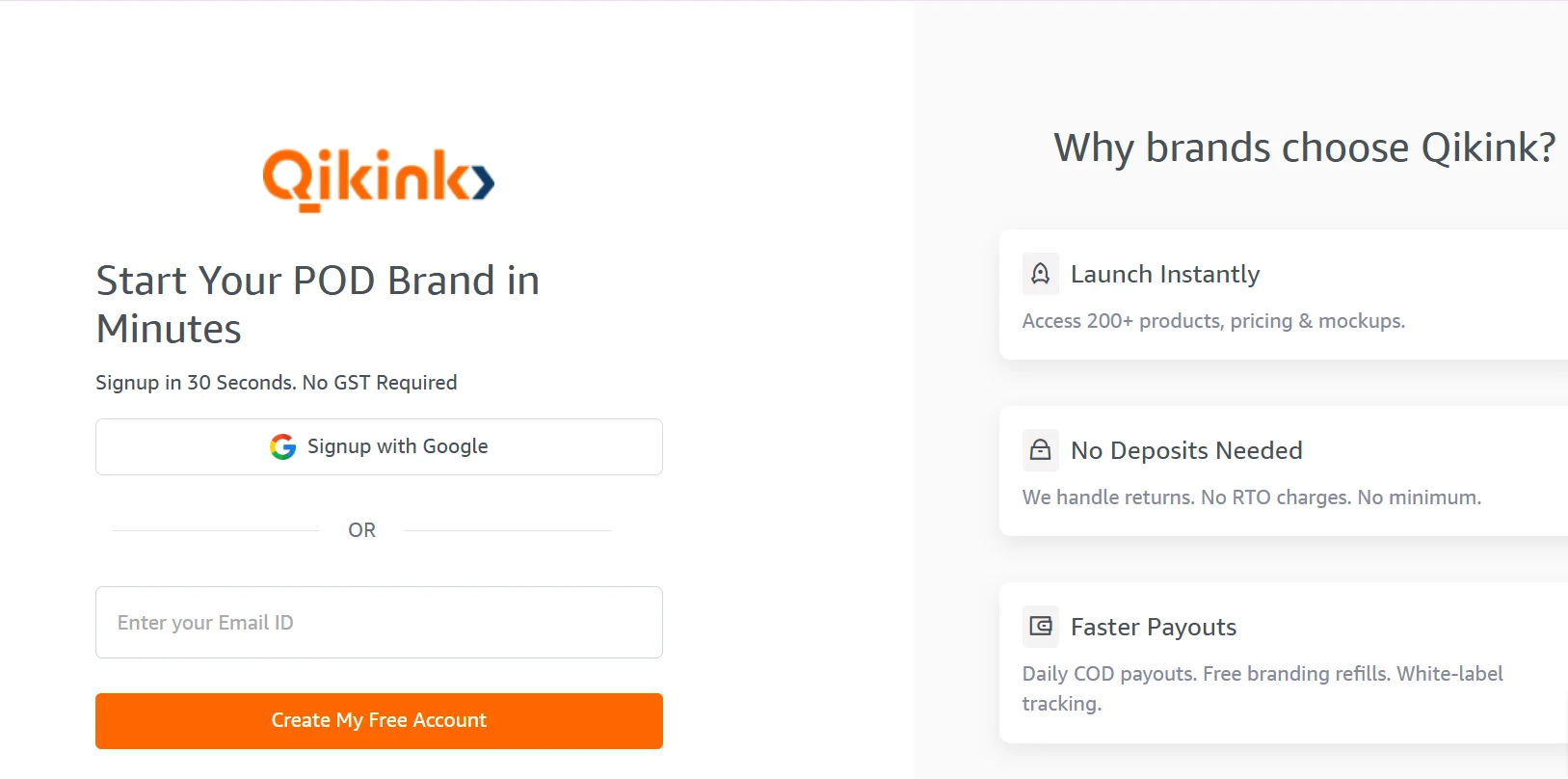
- 1Choose your preferred method:
- Click "Signup with Google" → Google instantly creates your account, OR
- Type your email address in the box and press "Create My Free Account"
- 2Check your email → you receive a 4-digit OTP immediately
- 3Enter the OTP and click "Verify OTP"
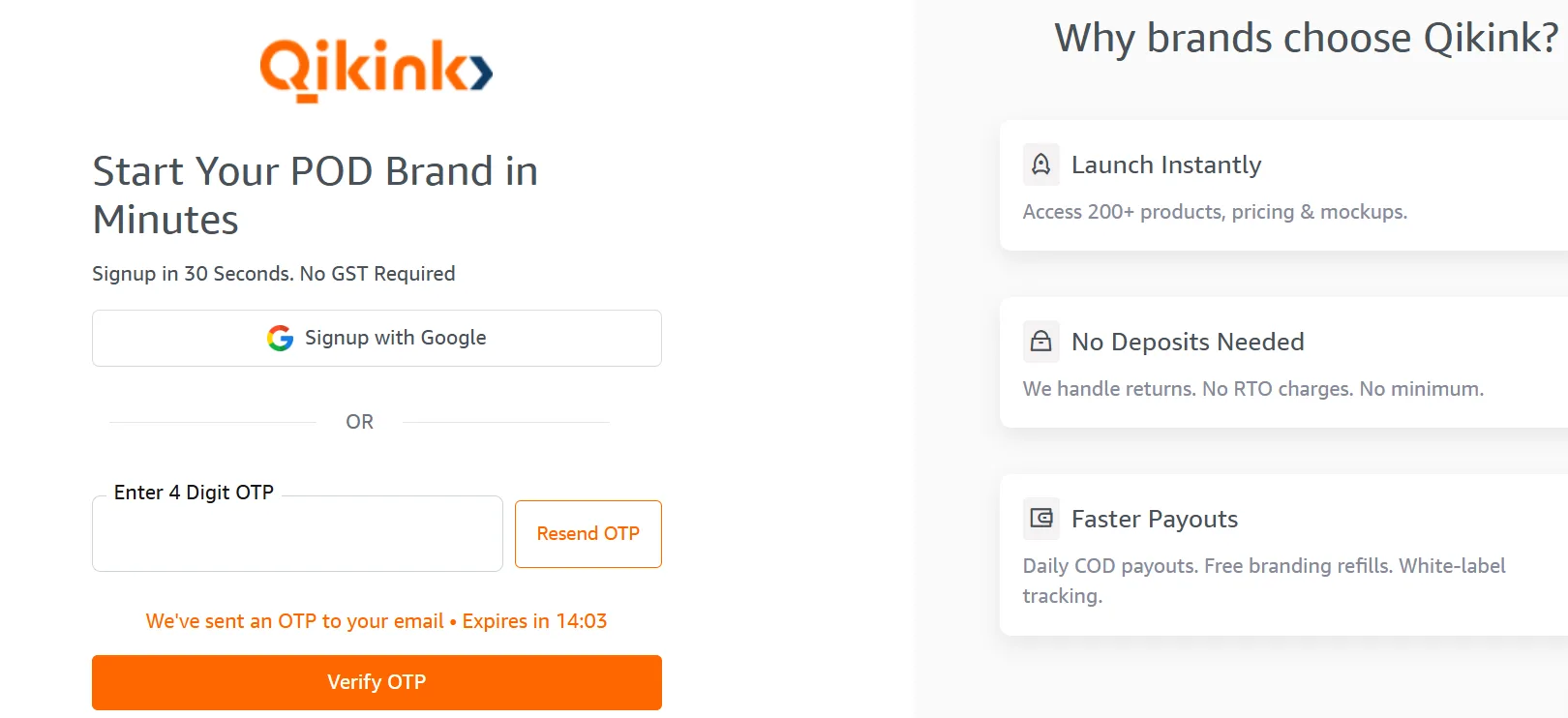
Done!
Qikink creates your account instantly. You can now start designing and selling right away!
How to Log In to Qikink
- 1Visit qikink.com
- 2Click Login at the top right
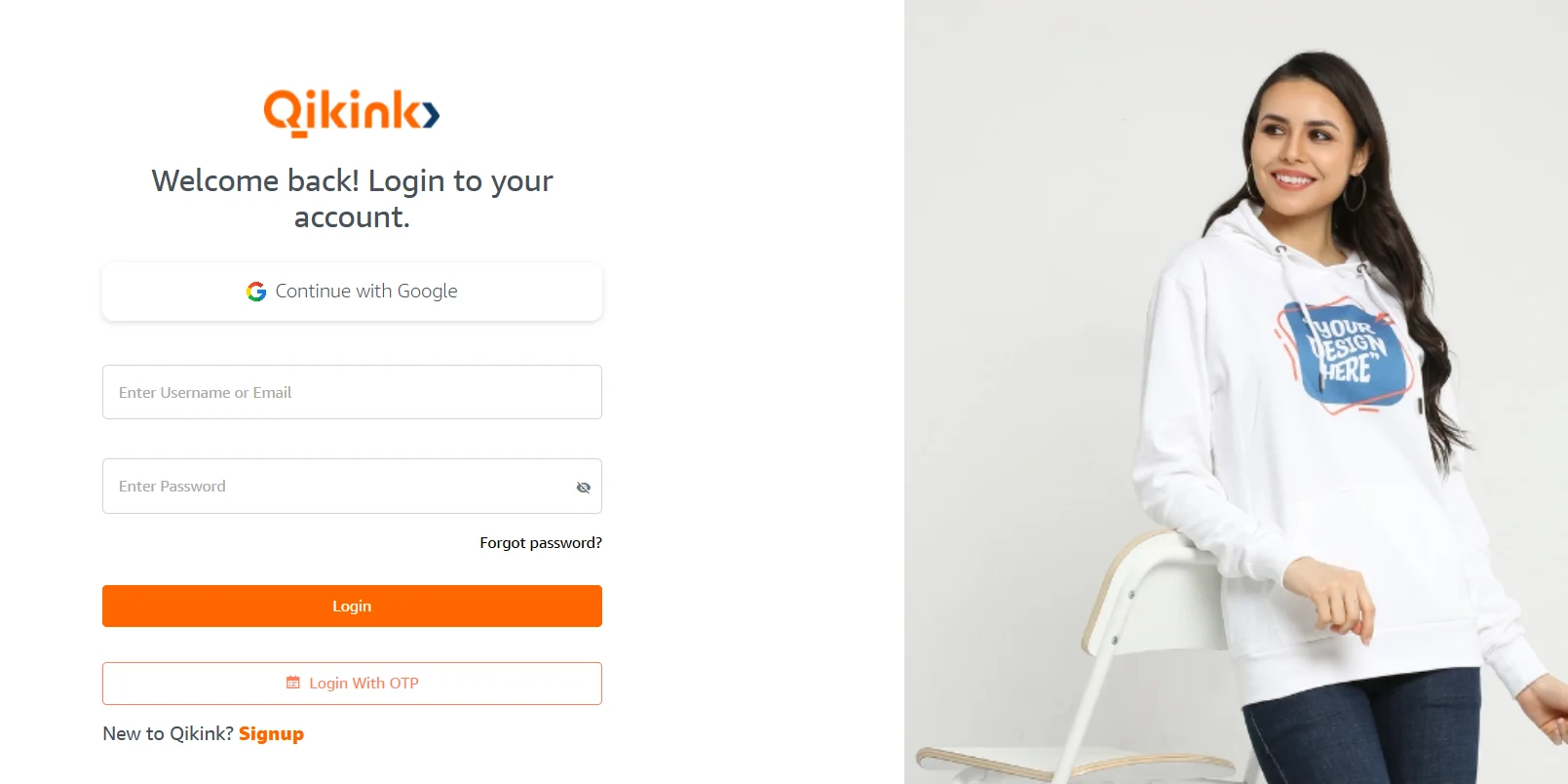
- 3Pick the easiest way:
- Click "Continue with Google" (if you used Google signup) OR
- Enter your email → click "Login With OTP" → check your email → enter the OTP → you land on your dashboard OR
- Enter your email + password (if you already set one)
How to Set Your Password
- 1Go to the login page
- 2Enter your registered email address
- 3Click Forgot password?
- 4Open the password-reset email Qikink sends you
- 5Click the link, create your new password, and submit
Pro Tip
From now on, you log in quickly with email + password!
Ready to Sell?
After you log in, Qikink gives you instant access to:
- 200+ premium products
- Ready mockups and transparent pricing
- Daily COD payouts
- Free branding & white-label packaging
- Zero minimums
Click here to Signup and create your free account right now. Start selling today. Design once, sell everywhere, and watch your profits grow! Happy Selling with Qikink!
Start Selling Today
Design once, sell everywhere, and watch your profits grow!