
How to Place Branding Kit order?
Pro Tip
"Placing accessory orders is now simple with Qikink. Follow the below steps to place a successful accessory order."
How to Place?
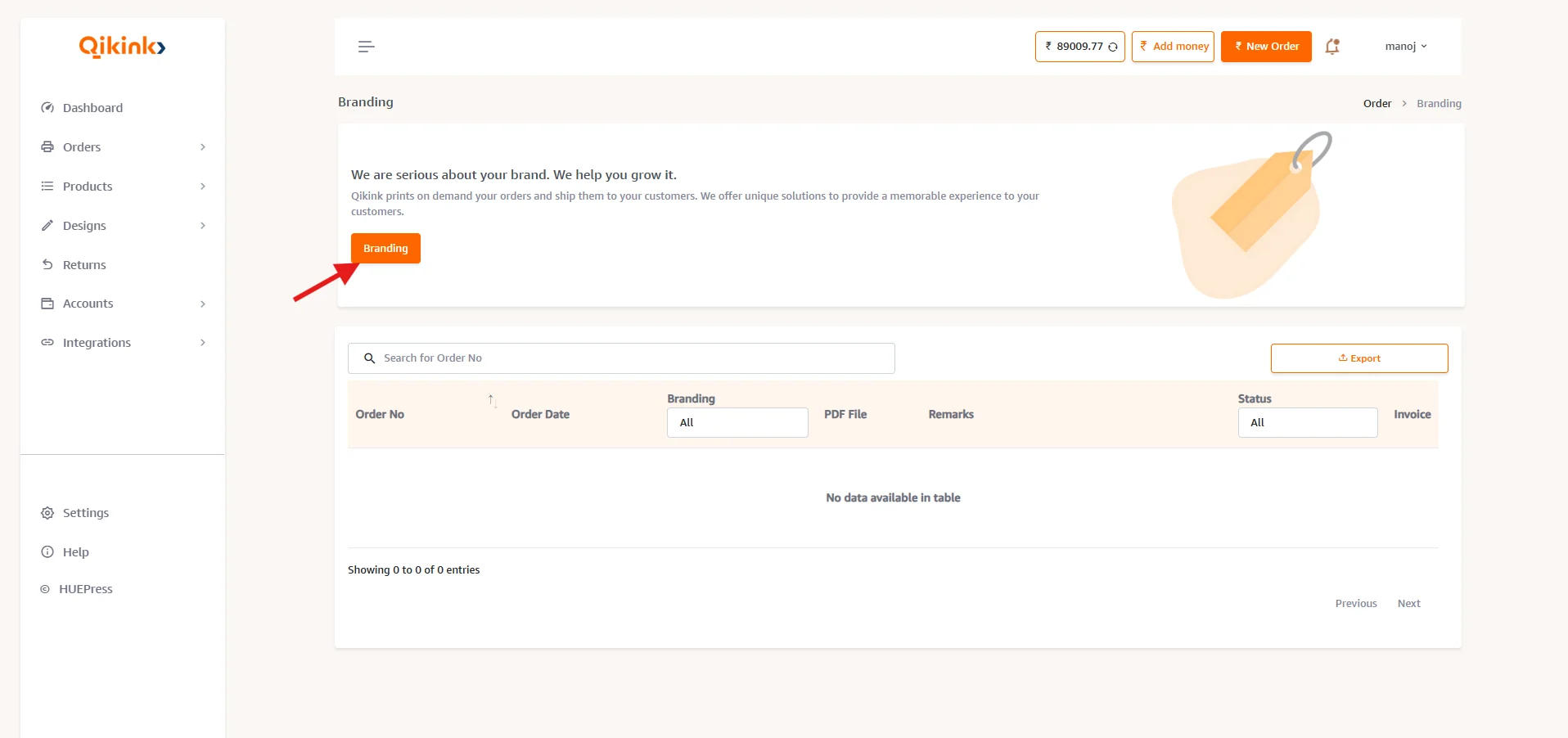
- 1Log in to your Merchant Dashboard. Go to Orders > Branding
- 2Select the "Branding" button as shown just like the below
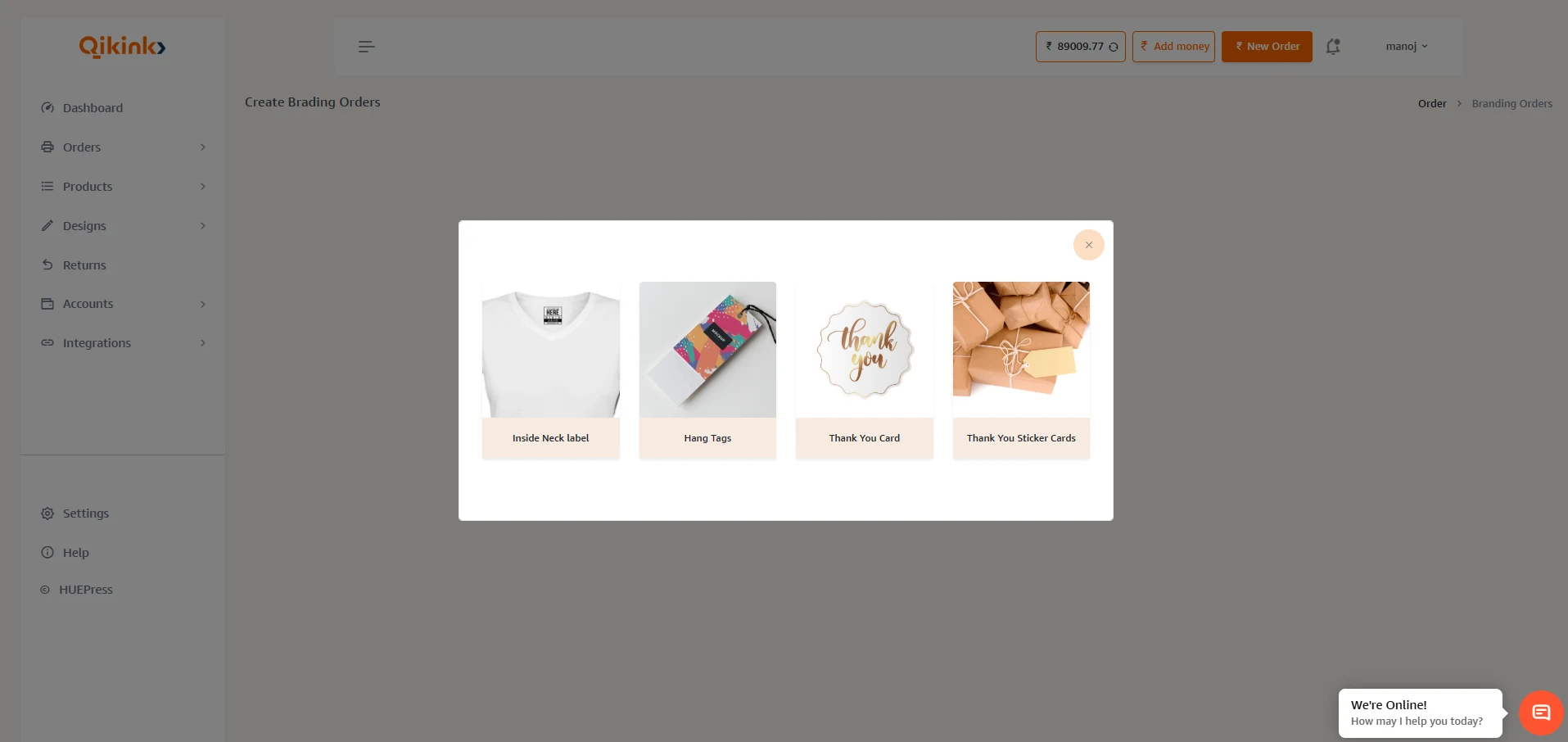
- 1A Pop-Up box will be shown like the following. Select your preferred accessory type from the drop-down list such as Neck Label, Hang Tag, and Thankyou Card. There you can check the prices and GST for each Accessory type.
- 1Next choose your design file from your computer by tapping "Choose File". Make use of the notes given on the page to place an order.
Pro Tip
Design File: The design file needs to be in PDF format to process your accessories order. Along with that design should follow the recommended guidelines.
- 1You can drop your comments while placing this order (if needed). Once you are okay with all the details click "Place Order".
Branding Design File Correction & Update
If you accidentally upload an incorrect or outdated design file under Branding in the Qikink dashboard, it cannot be edited or replaced directly from your end.
For any changes to the branding design file, please contact our support team at care@qikink.com. Our team will guide you through the required steps to update or correct the design file, as long as the order is still in Order Placed status.
Once the order moves to Order Processing, the design file can no longer be edited.
Pro Tip
Notes: Once the order is placed, it will take 8-10 days to complete the process. If an order is changed to "In Stock", your orders will be started processing with accessories like Neck Label, Hang Tag, and Thankyou Card.